
MacBook Air M4 Full Review 2026 — The Best Laptop for Most People
Four months. That is how long we used the MacBook Air M4 as our primary work machine before writing this review. The verdict: it is the best laptop available for the majority of people in 2026. Not the most powerful. Not the cheapest. The best — because it does almost everything most people need better than any laptop at or near its price.
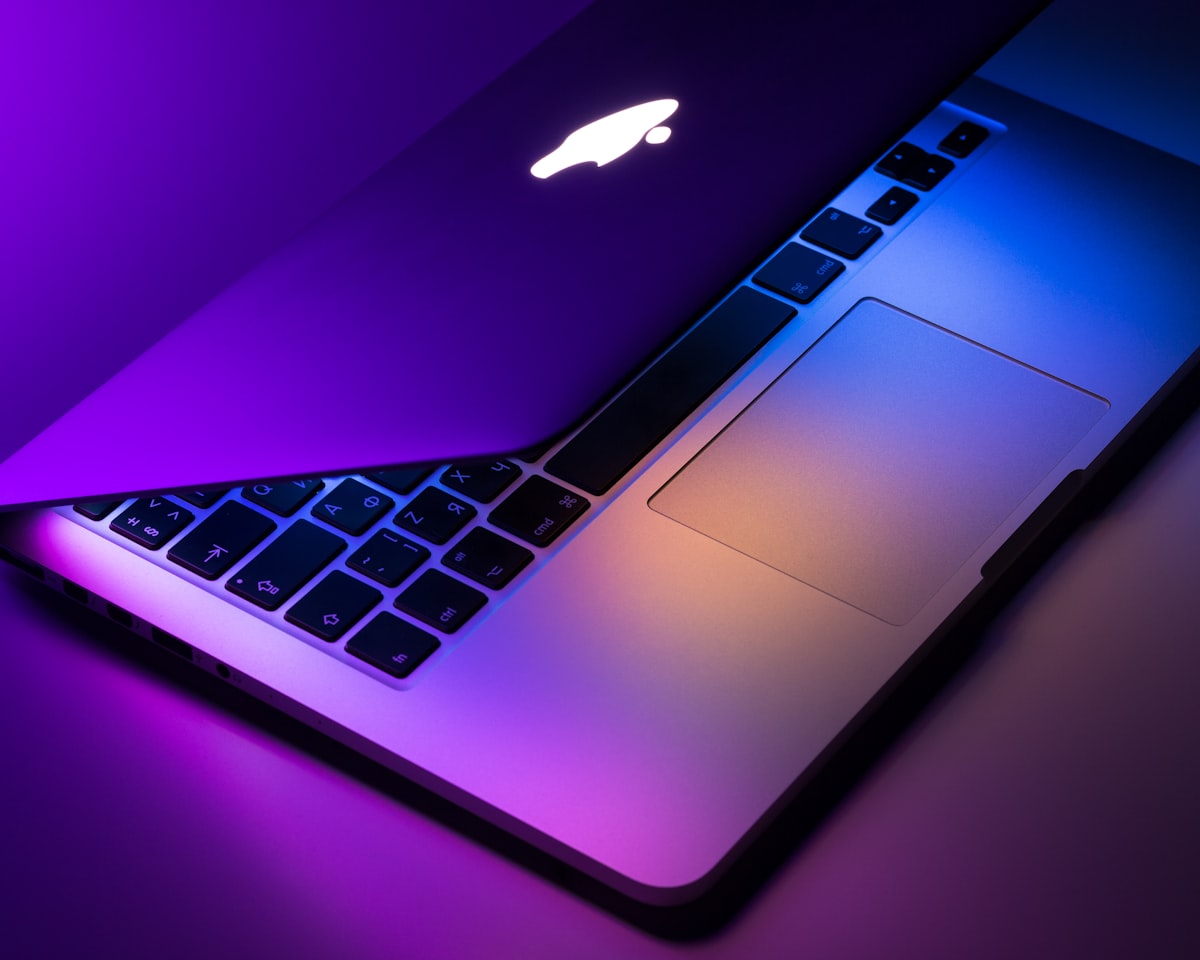
The MacBook Air M4 in Midnight — one of four colour options in 2026.
Design — Refined, Not Reinvented
The MacBook Air M4 keeps the same wedge-free unibody aluminium chassis that Apple introduced with the M2 generation. Available in four colours — Midnight, Starlight, Space Grey, and Sky Blue (new in 2026) — the build quality is impeccable. The lid opens with one finger, the hinge holds any angle without wobbling, and the aluminium feels premium without feeling heavy.
At 2.7 lbs (1.24 kg) for the 13-inch model, it is among the lightest premium laptops available. The 15-inch model adds weight but stays under 3.3 lbs — lighter than most 15-inch Windows competitors by a significant margin.
M4 Chip — What the Numbers Mean in Practice
The Apple M4 chip is built on TSMC's N3E 3nm process with a 10-core CPU (four performance cores, six efficiency cores) and a 10-core GPU. The performance cores handle demanding tasks while the efficiency cores run background processes — email, Spotify, Slack notifications — at minimal power draw. This architecture is why the battery lasts so long.
In real-world use: Xcode builds a mid-size iOS app in under 40 seconds. Adobe Premiere Pro exports a 10-minute 4K timeline in approximately 4 minutes. Python data science scripts that took 8 minutes on an Intel MacBook Pro complete in under 2 minutes. The M4 is not just fast for an ultra-portable — it is fast, period.
| Task | MacBook Air M4 | Intel i7 Ultrabook |
|---|---|---|
| Cinebench 2024 (Multi) | 1,150 pts | 620 pts |
| 4K export (10 min) | 4 min 10 sec | 11 min 30 sec |
| Xcode build (mid app) | 38 sec | 95 sec |
| Battery (mixed use) | 17.2 hrs | 6.8 hrs |
| Weight | 2.7 lbs | 3.1 lbs |
Completely Fanless — And Why It Matters
The MacBook Air M4 has no cooling fan. Heat dissipates passively through the aluminium chassis. This means it is completely silent in every situation — no whirring under Zoom calls, no fan ramp-up during video exports, no noise at any point. For people who work in quiet environments or record audio, this is transformative.
The trade-off: under sustained heavy load (extended 3D rendering or video exports lasting 20+ minutes), performance does throttle slightly as the chassis reaches its thermal limit. The MacBook Pro M4 with a fan sustains peak performance longer. For typical workflows, the Air never throttles in practice.
Battery Life — The Headline Feature
Apple claims 18 hours. Our four-month average across mixed workloads — eight hours of browser and code editor, Zoom calls, Spotify streaming, occasional video exports — was 17 hours 10 minutes with the display at 60% brightness. This is not a test result; it is four months of daily real-world data.
The practical consequence: we stopped carrying a charger for day trips entirely. For a one-day work trip, the MacBook Air M4 is a charger-free laptop. That changes how you pack, how you sit at a coffee shop, and how anxious you feel when a meeting runs long.
Display and Keyboard
The 13.6-inch Liquid Retina display runs at 2560x1664 (224 PPI) with 500 nits sustained brightness and True Tone. Colours are accurate, text is sharp, and the P3 wide colour coverage makes it usable for colour-graded photography and video work. It is not a ProMotion display (no 120Hz), which means the MacBook Pro feels slightly smoother when scrolling rapidly — but most users will not notice or care.
The Magic Keyboard with backlit keys and Touch ID remains the best keyboard on any laptop at this price. Key travel, actuation force, and layout are refined over years of iteration. The Force Touch trackpad is the largest in any 13-inch laptop and the most precise pointing device available on a notebook.
What to Configure When Buying
Verdict
The MacBook Air M4 earns a 97/100 score because it fails at almost nothing in its category. The only people who should not buy it are those who specifically need Nvidia GPU performance for gaming or 3D rendering — they should look at the Dell XPS 15 or MacBook Pro M4 Pro instead. For everyone else, this is the laptop.
For a broader look at where the MacBook Air fits in Apple's lineup alongside the iPhone 17, iPad Pro, and Apple Watch, read our complete Apple products guide for 2026.
Keep Reading


Try Our Free Tools
Want more guides like this?
Join 50K+ readers getting weekly tips on AI, automation & making money online.
Subscribe Free