
Best AI Tools for Freelancers to Earn $1,000+/Month in 2026
Two freelancers bid on the same project. One spends 6 hours on the deliverable. The other spends 90 minutes — because they use AI tools — and delivers the same quality. The second freelancer wins every time: lower price per project, higher hourly rate, happier client.
This is not hypothetical. AI productivity tools are already separating top-earning freelancers from everyone else. I tested the most popular tools and ranked them by the only metric that matters: how much more money can you make per hour of work? To get the most out of every tool on this list, use them alongside our proven ChatGPT prompts that save 10+ hours per week.
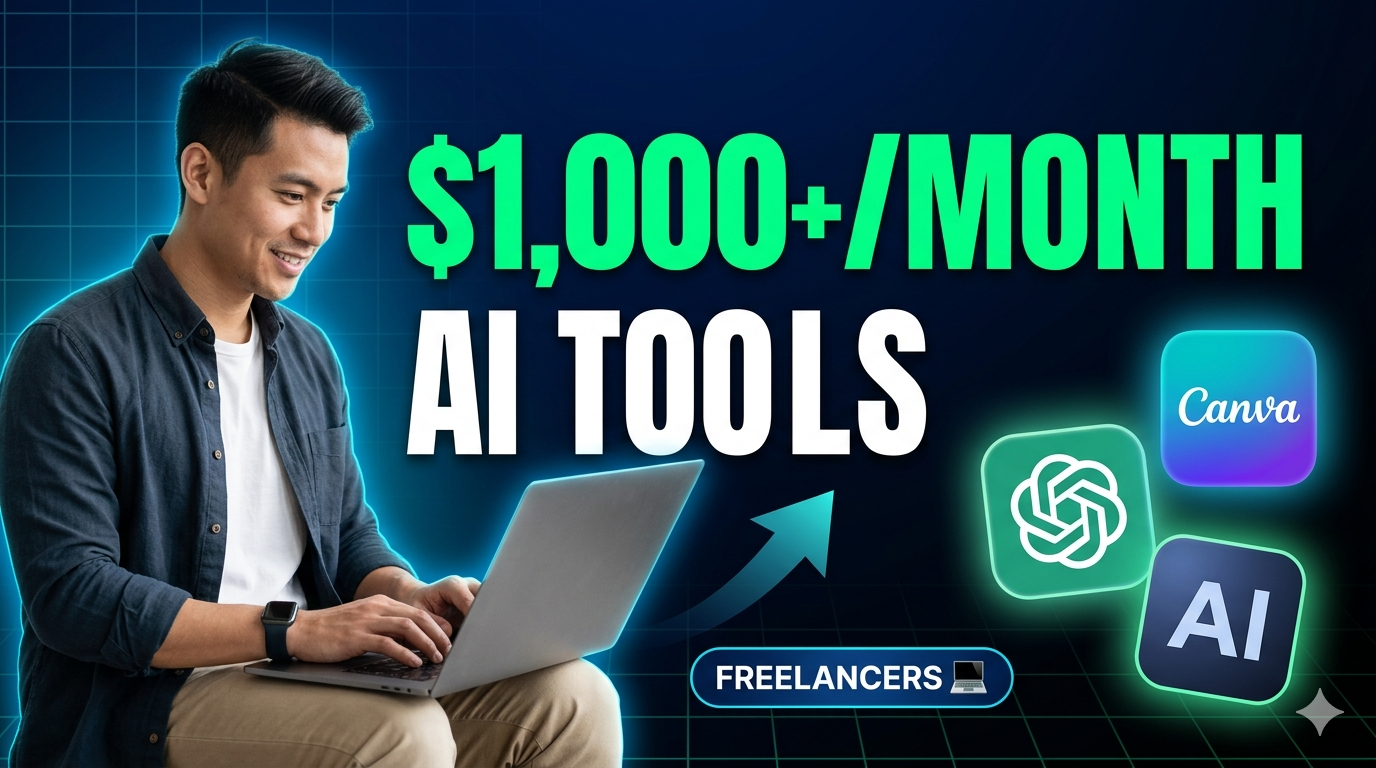
The freelancers earning $100+/hour in 2026 all have one thing in common — an AI tool stack.
⚡ Freelancers using AI tools — real income comparisons:
1. ChatGPT — The Freelancer's Swiss Army Knife
Best for: Writing, research, proposals, brainstorming — everything
ChatGPT handles the grunt work every freelancer hates: first drafts, client proposals, research summaries, meeting notes, invoice follow-up emails. At $20/month for Plus, it delivers the highest ROI of any freelance AI tool. Writers use it to triple their output. Developers use it to debug faster. Marketers use it to generate 50 ad variations in minutes.
The productivity multiplier is real: freelancers using ChatGPT report completing tasks in 40–60% less time, which means either more clients or higher effective hourly rates. For a detailed comparison of ChatGPT vs. Claude vs. Gemini, read our full AI assistant showdown.
⚠️ Mistake to avoid:
Using ChatGPT as a copy-paste machine. Clients who discover you're submitting raw AI text will fire you — and leave a review that damages your reputation.
✅ Shortcut: Use ChatGPT for the 80% (structure, research, first draft). Spend your time on the 20% that requires human judgment — tone, strategy, and client-specific insights.
2. Canva AI — Best for Freelance Designers & Social Media Managers
Best for: Social media graphics, presentations, branding materials
Canva AI (Magic Design, Magic Write, Background Remover) turns any freelancer into a production machine. You can produce 10–15 professional social media posts in the time it used to take to make 3. For freelancers managing multiple client accounts, this speed advantage directly translates to revenue — more clients served per hour, higher monthly income.
⚠️ Mistake to avoid:
Using default Canva templates that every other freelancer uses. Clients can tell when their social feed looks identical to their competitor's.
✅ Shortcut: Customize the fonts, colors, and layout proportions of every template you use. 5 minutes of customization makes a Canva design look custom-made.
3. Midjourney — Best for Visual Freelancers & Creative Work
Best for: Thumbnails, illustrations, mood boards, book covers
Midjourney v7 produces visuals that rival professional photography and illustration. For freelancers in creative fields — graphic design, branding, content creation — it's a force multiplier. Create mood boards in seconds, generate 20 thumbnail concepts for a client to choose from, or produce hero images for websites without hiring a photographer.
⚠️ Mistake to avoid:
Sending AI-generated images directly to clients without post-processing. They often have subtle artifacts that undermine trust.
✅ Shortcut: Run every Midjourney output through Canva or Photoshop for a quick color correction and crop. 2 minutes of polish = professional delivery.
4. Notion AI — Best for Client Management & Organization
Best for: Project tracking, SOPs, client portals, content calendars
Freelancers lose more money to disorganization than bad pricing. Missed deadlines, forgotten follow-ups, and sloppy client communication kill repeat business. Notion AI solves this — it organizes every project, auto-generates task lists from meeting notes, writes client updates, and maintains SOPs so your work is consistent across every client.
⚠️ Mistake to avoid:
Over-engineering your Notion setup. Spending 3 days building the "perfect system" instead of doing billable work is a net negative.
✅ Shortcut: Start with a simple 3-column board: To Do, In Progress, Done. Add complexity only when you hit a real pain point — not before.
5. Jasper AI — Best for Marketing Freelancers & Agencies
Best for: Ad copy, landing pages, brand voice, SEO content at scale
Jasper's brand voice and campaign template features are specifically designed for freelancers managing multiple client brands simultaneously. Switch between a law firm's authoritative tone and a DTC brand's casual voice in seconds. For marketing freelancers handling 3–5 clients, Jasper's structured workflows save 5–10 hours per week compared to ChatGPT's freeform approach.
⚠️ Mistake to avoid:
Paying $49–$125/month before you have enough client volume to justify it. If you have fewer than 3 active clients, ChatGPT at $20/month covers everything you need.
✅ Shortcut: Start with ChatGPT. Upgrade to Jasper only when client volume makes brand voice switching a bottleneck — usually at 3+ concurrent clients.
6. Grammarly + AI — Best for Quality Assurance
Best for: Proofreading, tone checking, client-ready polish
Every piece of freelance work is a reflection of your professionalism. A single typo in a $2,000 deliverable undermines the entire product. Grammarly's AI-powered assistant catches grammar errors, suggests tone adjustments, and ensures readability — working as your automatic quality-control layer before anything reaches a client's inbox.
7. Pictory / Descript — Best for Video & Podcast Freelancers
Best for: Video editing, podcast transcription, repurposing content
Video and podcast editing is one of the most time-intensive freelance skills. Descript's AI cuts editing time by 60–70% — edit audio by editing text, auto-remove filler words, generate transcripts and show notes. Pictory converts written content into video. Together, they let video/podcast freelancers handle 3× the client volume at the same quality standard.
8. Loom AI — Best for Client Communication
Best for: Async updates, proposals, project walkthroughs
Top freelancers don't write long update emails — they record 2-minute Loom videos. Loom AI auto-generates summaries, chapters, and action items from your recordings. Clients love it because they get a personal touch without scheduling a meeting. You save 30+ minutes per client per week on communication overhead.
All 8 AI Freelancer Tools — Compared
| Tool | Best For | Monthly Cost | Time Saved/Week | ROI Rating |
|---|---|---|---|---|
| ChatGPT | Writing & research | $20 | 8–15 hours | ★★★★★ |
| Canva AI | Graphics & social media | $15 | 5–10 hours | ★★★★★ |
| Midjourney | Visual content & design | $10 | 3–6 hours | ★★★★☆ |
| Notion AI | Organization & SOPs | $16 | 3–5 hours | ★★★★☆ |
| Jasper AI | Marketing at scale | $49 | 5–10 hours | ★★★★☆ |
| Grammarly | Quality assurance | $12 | 2–3 hours | ★★★★☆ |
| Pictory / Descript | Video & podcast editing | $25 | 6–12 hours | ★★★★★ |
| Loom AI | Client communication | $15 | 2–4 hours | ★★★★☆ |
The $1,000+/Month Freelancer AI Stack
You don't need all 8. Here's the minimum stack that gets most freelancers to $1,000+ additional monthly income:
Total: $51/month. If this stack helps you take on just 2 more clients per month, it pays for itself 10–50× over. See our full list of side hustles that pay $100+/day for more ways to stack income on top of freelancing.
⚠️ The freelancer market is splitting in two:
In 2026, there are now two tiers of freelancers: those using AI tools (earning more, working less, winning more bids) and those who aren't (competing on price, burning out, losing clients). The gap is widening every month. Adding AI tools to your workflow is no longer optional — it's the difference between thriving and being priced out.
🚀 Want to level up your freelance AI workflows?
If you're handling client documents, contracts, or sensitive data, adding AI-powered automation to your workflow can save hours per week — and open the door to premium compliance and data services that clients pay serious money for.
→ Explore AI workflow tools and start earning more per hour today.
Frequently Asked Questions — AI Tools for Freelancers
What is the single best AI tool for freelancers in 2026?+
Will AI tools replace freelancers?+
How much do AI productivity tools actually increase freelancer earnings?+
Should I tell clients I use AI tools?+
What AI tools should a complete beginner freelancer start with?+
Keep Reading

Try Our Free Tools
Want more guides like this?
Join 50K+ readers getting weekly tips on AI, automation & making money online.
Subscribe Free