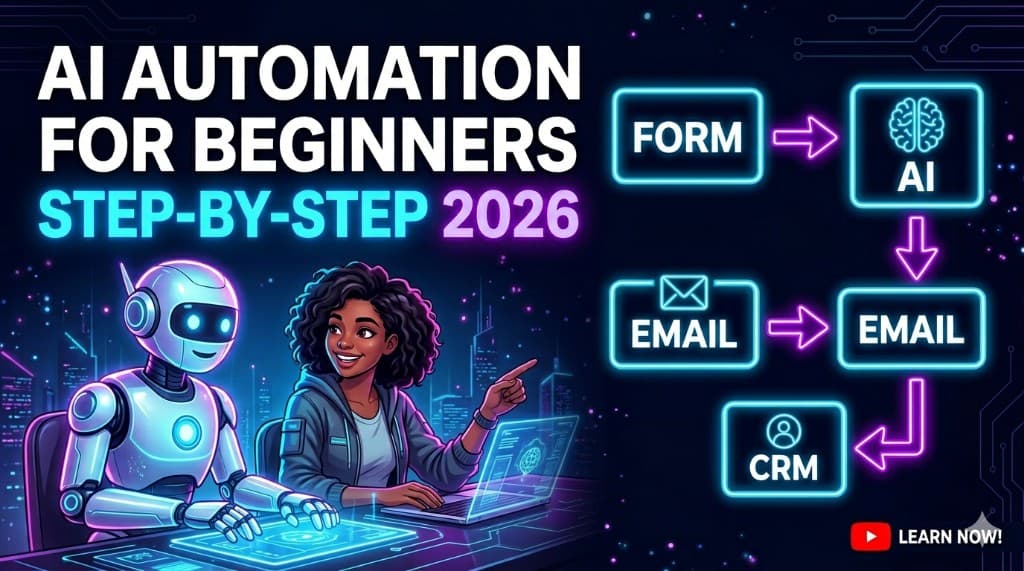
AI Automation for Beginners (Step-by-Step Setup Guide 2026)
You don't have a "talent" problem—you have a "where do I even click first" problem. You've seen the n8n graphs and Zapier screenshots. You nod at "AI automation for beginners" videos. Then you open a blank canvas and quietly panic. This guide is the opposite of that: one boring workflow, one stack you can explain, one afternoon where you actually ship.
What is AI automation for beginners?
AI automation for beginners means: connect apps you already use (forms, email, CRM, Slack), then add an AI step where a human still approves risky output—so work moves without you babysitting every click.
- Trigger: something happens (new form, new row, new email).
- Routing: if/then logic sends data to the right place.
- Optional AI: summarize, classify, or draft—then a person says yes or no.
- Logging: when it breaks, you see why—not silence at 2 a.m.
When you're ready to sell this work, you don't need a manifesto—you need a demo. How to start an AI automation agency covers offers and pricing; AI automation ideas that sell is your menu of invoiceable builds. Read those after you've shipped one real flow below.
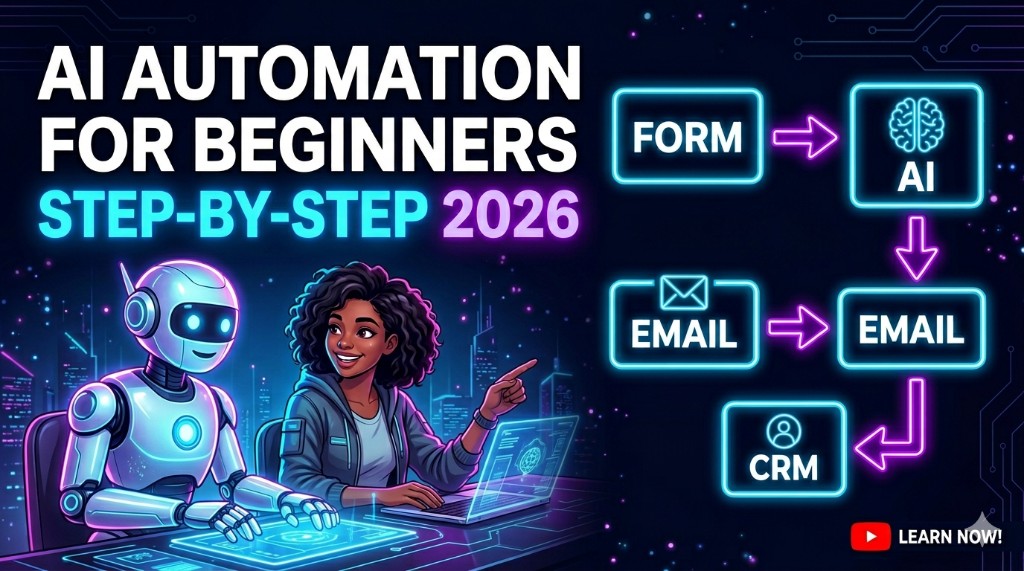
Start ugly, finish visible: one trigger, one happy path, one human approval step.
Stuff on ClickWise that saves you from spreadsheet panic
Browse AI Finder; use the freelancer earnings and side hustle calculators under /tools when you price pilots.
What is AI automation? (plain English)
Automation is software doing the same sequence of steps every time. AI automation adds a model that reads, writes, or classifies text—then hands off to a person when something looks wrong. You are not replacing judgment; you are replacing copy-paste and "I forgot to follow up."
For beginner AI workflow automation, think "fewer tabs, fewer mistakes"—not "my business runs on autopilot while I nap."
Why AI automation is booming in 2026
Tools are cheaper and easier to wire. APIs are everywhere. Buyers are tired of paying humans to move data between systems that should already talk. The edge is not "we use AI"—it is reliable workflows with clear logs and a human on the hook when something weird hits the model.
That's why AI automation for beginners is a real skill: you can ship a small build in days, show a Loom, and charge a pilot—without pretending you're a research lab.
Step-by-step beginner setup
Step 1 — Pick a simple workflow
Choose one path with a clear start and end. Good first picks: new lead → CRM + Slack ping, new email → label + draft reply for approval, or new Typeform → Google Sheet row + tag. Bad first pick: "automate my entire business"—that's a scope trap, not a project.
Step 2 — Choose tools (n8n, Zapier, Make)
Zapier if you want speed and a huge app directory. Make if you like visual scenarios and branching. n8n if you want power, logs, and (optionally) self-hosting for margin. Pick one orchestrator for your first build. Stack-hopping is how beginners lose a month.
Step 3 — Build your first automation
Map triggers and actions on paper. In the builder: connect webhook or form → create/update record → send notification. No AI yet. If the dumb version works, you're allowed to get clever.
Step 4 — Add the AI layer (ChatGPT / OpenAI)
Add AI where it reduces reading time, not where it guesses legal outcomes. Typical beginner uses: summarize thread, classify intent (support vs. sales), draft a reply for a human to edit. Reuse prompt patterns from our ChatGPT prompts guide so you're not inventing structure from scratch.
Rule: anything customer-facing gets an approval step or a "send to human" branch when confidence is low.
Step 5 — Test and deploy
Run fake data. Break it on purpose. Check logs. Then turn it on for a real alias or test inbox. Document: what triggers it, what it can't do, and who to call when it breaks. That's the difference between a toy and a sellable AI workflow tutorial you can show a client.
Real examples
- Lead gen: Facebook or Google lead form → CRM card + Slack + "first touch" draft email for approval.
- Email triage: Shared inbox → classify → route to folder; draft reply for humans on high-volume threads only.
- Support deflection: Chat → FAQ retrieval → ticket with transcript if unresolved.
- Ops: New paid order → alert to Slack + tag in helpdesk; optional low-stock warning.
Want more packaged offers? The AI automation ideas for 2026 post on the blog lists ten with rough pricing—steal the structure, not the buzzwords.
Beginner tools stack (at a glance)
| Layer | Tool examples | Beginner note |
|---|---|---|
| Orchestration | Zapier, Make, n8n | Pick one; master one happy path before branches |
| AI text | OpenAI API, ChatGPT (via connector), Claude API | Start with classification + summarization; avoid open-ended creativity on day one |
| Data | Google Sheets, Airtable, Notion, HubSpot | Ugly is fine; migrate when you have revenue |
| Alerts | Slack, email | If nobody sees failures, you don't have an automation—you have a liability |
Common mistakes beginners make
- AI everywhere: model on every step = flaky graphs and surprise costs.
- No approval gates: one bad send can erase trust.
- No logging: you can't debug what you can't see.
- Perfect stack: three orchestrators and twelve SaaS logins—pick one lane.
- Selling "AI" instead of hours saved: buyers buy outcomes, not logos.
How to make money with it
Productize: paid pilot with fixed scope, then monthly care. Lead with a Loom on sample data. Niche your sentence so you're not "the AI person"—you're "the person who stops leads dying between the form and the CRM."
For outreach rhythm and first dollars, use how to get AI clients—same motion as any freelance skill: proof, price, follow-up.
Going deeper on building a business around this: the AI automation agency guide (positioning + pricing) and the sellable automation ideas roundup on the blog cover your first three offers.
FAQ
Do I need to code to learn AI automation as a beginner?+
Should I start with n8n, Zapier, or Make?+
How long does it take to build a first automation?+
Is AI automation still worth learning in 2026?+
How do beginners get paid for AI automation?+
Related on ClickWise
Explore more in the Blog and Tools sections—we keep internal links light so this guide stays easy to read.
Keep Reading

Try Our Free Tools
Want more guides like this?
Join 50K+ readers getting weekly tips on AI, automation & making money online.
Subscribe Free