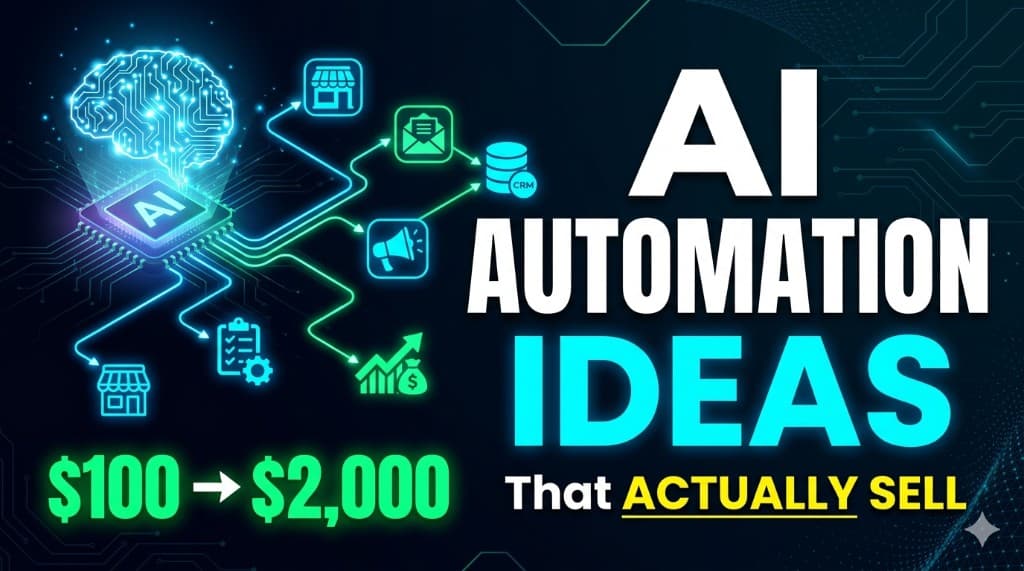
10 AI Automation Ideas That Actually Sell in 2026 (With Real Examples)
You don't have an idea problem—you have a packaging problem. The market is full of ai automation ideas; what's rare is someone who can name the trigger, the systems touched, and the invoice line in one breath.
What are the best AI automation ideas to sell in 2026?
The best automation services to sell in 2026 are boring, visible, and tied to revenue or time saved:
- Lead follow-up and CRM routing (forms → CRM → Slack/email).
- Email triage with AI classification + human approval.
- Support deflection: FAQ bot + ticket tagging.
- CRM hygiene: dedupe, enrichment, stage updates from activity.
- Content repurposing: one long asset → many formats.
- Invoice and payment chase automations.
- Social scheduling with guardrails (queue + approval).
- E-commerce order and inventory alerts.
- AI-assisted cold outreach personalization at small batch scale.
- Appointment booking and reminder flows.
Below is the full menu—each one is a real ai business ideas 2026 lane freelancers actually invoice for. When you're ready to stack offers into a business, read how to start an AI automation agency (step-by-step + pricing). For tools and income proof, start with AI tools to make money (our tested picks)—then browse the rest of the blog when you scale.
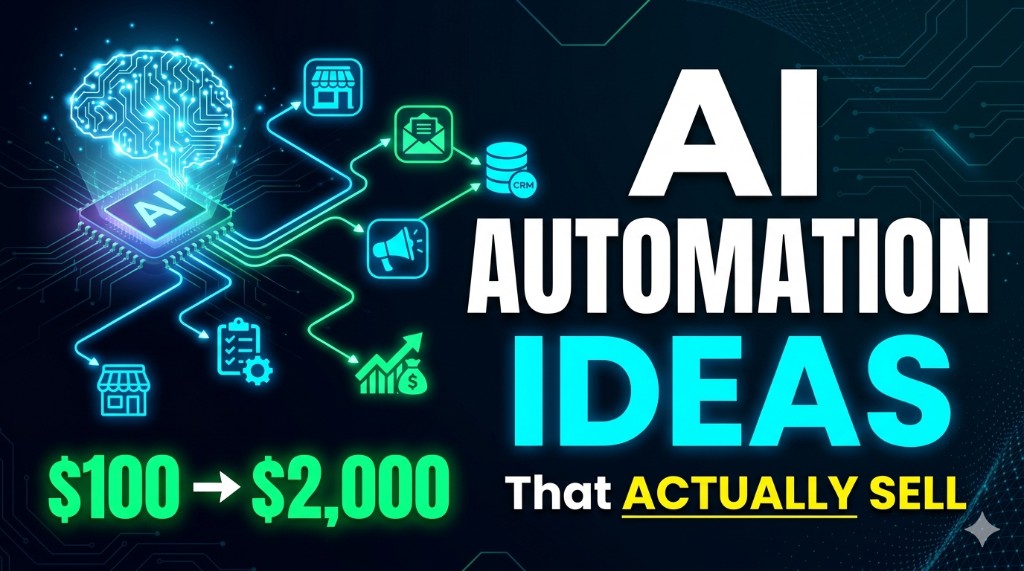
Sell the outcome (hours back, fewer dropped leads)—not the logo on the box.
Stuff on ClickWise that saves you from spreadsheet panic
None of this replaces a signed scope—but it stops you from guessing fees and stacks at midnight. Browse AI Finder; use the freelancer earnings, Fiverr fee, LinkedIn post, blog intro, and side hustle calculators under /tools when you need numbers.
Why most AI automation ideas never get paid
Three killers: vague scope ("we'll automate your business"), magic AI with no human approval on risky steps, and no observable KPI. Buyers fund workflows they can screenshot when something breaks—not slides about "efficiency." If you want to make money with automation, sell a named path: trigger → systems → owner → alert.
Opinion: the best freelancers say no to HIPAA-grade pipelines until contracts exist. The second-best charge for discovery and still say no when the data's a mess.
10 AI automation ideas (with tools, buyers, and pricing)
Ranges are US-style solo freelancers in 2026—adjust for country and complexity. Always write scope: integrations, volumes, SLAs, and who approves AI output.
| # | Idea | Typical pilot / build |
|---|---|---|
| 1 | Lead follow-up automation | $400–$1,800 |
| 2 | Email triage AI | $500–$2,000 |
| 3 | Support chatbot + ticket tagging | $600–$2,000 |
| 4 | CRM auto-updates | $400–$1,500 |
| 5 | Content repurposing system | $300–$1,400 |
| 6 | Invoice + payment reminders | $250–$1,200 |
| 7 | Social auto-posting (approved queue) | $300–$1,500 |
| 8 | E-commerce order alerts | $350–$1,600 |
| 9 | AI cold outreach personalization | $400–$1,800 |
| 10 | Appointment booking automation | $350–$1,500 |
1. Lead follow-up automation
What it does: New form or ad lead → instant CRM card → Slack or SMS ping → first email or SMS sequence with delay rules.
Who needs it: Local services (dentists, contractors), small agencies, B2B teams with leaky handoffs between marketing and sales.
Tools: Zapier or Make for speed; n8n when routing is gnarly; HubSpot/Pipedrive/Airtable; optional OpenAI for draft first-touch copy (human approves).
How to sell it: Loom of a fake lead hitting Slack in 30 seconds. Pitch "we stop leads from dying in the inbox." List on Upwork with a fixed title: "Typeform to HubSpot + Slack in 10 days."
Pricing: $400–$1,800 pilot; $200–$800/mo care.
2. Email triage AI
What it does: Inbound mail → classify (refund, sales, vendor) → route to folder or assignee → draft reply for approval.
Who needs it: Founders drowning in shared inboxes, small e-commerce, professional services.
Tools: Gmail/Outlook APIs + OpenAI or Claude; n8n for branching; logging to Sheets for QA.
How to sell it: Before/after: "200 emails/week → 40 that need a human." Offer a 2-week pilot on one alias.
Pricing: $500–$2,000 build; monthly depends on volume.
3. Customer support chatbot (deflection-first)
What it does: Site chat answers top FAQs from a doc you control; escalates to ticket with transcript and intent tag.
Who needs it: SaaS with repeat questions, Shopify brands, online schools.
Tools: Intercom/Zendesk or Crisp + retrieval on help docs; OpenAI with citations; Zapier for ticket creation.
How to sell it: Never promise 100% resolution—promise deflection rate + faster human handoff. Show a guardrail: "unknown → human."
Pricing: $600–$2,000 setup; retainer for doc updates.
4. CRM auto-updates
What it does: Meetings, emails, or Stripe events create tasks, move stages, or append last-touch fields—no Sunday data janitor work.
Who needs it: Sales teams on HubSpot/Salesforce/Pipedrive with dirty CRMs.
Tools: Native CRM automations + n8n for custom joins; Clearbit/enrichment APIs if budget allows.
How to sell it: "Close the loop between calendar and pipeline"—one dashboard screenshot beats ten AI buzzwords.
Pricing: $400–$1,500 per workflow cluster.
5. Content repurposing system
What it does: One webinar or blog → LinkedIn posts, email snippet, short script, and asset folder in Drive—human edits last mile.
Who needs it: Creators, indie SaaS, agencies packaging founder content.
Tools: OpenAI + Google Docs; Make to fan out; optional Descript for clips. Prompt library from our ChatGPT prompts guide.
How to sell it: Sell "content ops" with a template pack—not raw "AI writing."
Pricing: $300–$1,400 per playbook build.
6. Invoice + payment reminders
What it does: Invoice sent → scheduled reminders → escalation to owner when overdue; optional late fee rules.
Who needs it: Freelance-heavy firms, clinics, contractors with cash-flow pain.
Tools: QuickBooks/Xero/Stripe + email sequences; Zapier glue; keep compliance boring.
How to sell it: ROI in plain English: "recover one missed payment a quarter and this pays for itself."
Pricing: $250–$1,200.
7. Social media auto-posting (queue + approval)
What it does: Approved posts drop into Buffer/Later/Metricool on a schedule; optional RSS or blog → draft queue for human click.
Who needs it: Local brands, busy founders, small marketing teams without a full-time social person.
Tools: Buffer/Later + Sheets + Zapier; avoid full autoposting without approval unless they love risk.
How to sell it: "You stop logging into five accounts" + show approval flow.
Pricing: $300–$1,500.
8. E-commerce order alerts
What it does: High-value order, fraud flag, or low-stock SKU → Slack/SMS; optional tag in helpdesk.
Who needs it: Shopify/Woo brands doing real volume.
Tools: Shopify webhooks + n8n; Klaviyo/partners as needed.
How to sell it: Night-shift coverage story: "Nothing crazy happens—but you see it when it does."
Pricing: $350–$1,600.
9. AI cold outreach personalization (batch, not spam)
What it does: Enrich lead list → generate first-line + angle from public facts → human approves → sends via Instantly/Smartlead/GMass.
Who needs it: Small B2B sales teams, agencies, recruiters.
Tools: Clay/Apollo + OpenAI; strict daily caps; domain warmup not your job unless contracted.
How to sell it: Ethics in the pitch: "Human approves every variant before send." Deliverability first or you're fired.
Pricing: $400–$1,800 build + monthly for list ops.
10. Appointment booking automation
What it does: Calendly/Cal.com bookings → CRM update → reminder sequence → no-show follow-up.
Who needs it: Clinics, consultancies, real estate, coaches.
Tools: Cal.com/Calendly + Twilio/email; Zapier or Make.
How to sell it: Show reduced no-shows and reclaimed admin hours—one KPI.
Pricing: $350–$1,500.
Best idea to start with (beginner pick)
Start with lead follow-up automation. It's legible to every buyer, demos in a single Loom, and maps cleanly to how to get AI clients style outbound: you're not selling "AI"—you're selling "your leads stop vanishing." Build one reference build, then raise prices.
How to get your first client using these ideas
- Pick one idea and one niche (e.g. "Shopify stores doing $20k–$200k/mo").
- Ship a demo with fake brand data—no NDA drama.
- Send 20–40 DMs or emails with the Loom + fixed pilot price (same rhythm as our how to get AI clients guide on the blog).
- Post the same offer on Upwork/Fiverr with a boring, specific title.
- After the first win, productize: template SOW + video + monthly care tier.
Going deeper on positioning and offers: the AI automation agency guide on the blog plus the free AI tools in 2026 roundup for stack research.
Mistakes beginners make
- Selling "AI" instead of minutes saved or dollars recovered.
- No logging or alerts—you get 3 a.m. texts when a webhook silently fails.
- Unlimited revisions for flat fee—define change tickets.
- Skipping discovery paid or unpaid—bad inputs mean you eat the rework.
- Copying someone else's stack instead of one you can debug—see what actually gets invoices paid in our AI tools to make money guide on the blog.
Bottom line
The automation services to sell in 2026 are not exotic—they're reliable. Pick one lane, publish the price, and ship a demo. Stack learning with make money online strategy on the blog once the first checks clear.
FAQ
Do I need experience to sell AI automation services?+
Which automation idea is best for total beginners?+
How much can I charge for these automations?+
Should I use n8n, Zapier, or Make?+
How do I get my first client for automation work?+
Related on ClickWise
Explore more in the Blog and Tools sections—we keep internal links light so this guide stays easy to read.
Keep Reading
Try Our Free Tools
Want more guides like this?
Join 50K+ readers getting weekly tips on AI, automation & making money online.
Subscribe Free